How to Create an Amazon Echo Home Theater
Turn your Echo speakers into a wireless surround sound system with Fire TV — no soundbar required!
What is Alexa Home Theater?
Alexa Home Theater lets you pair multiple compatible Echo speakers (and an optional subwoofer) with a Fire TV device to create immersive surround sound — including Dolby Atmos support on newer models like the Echo Studio (2025 release). Audio syncs wirelessly, and the system auto-calibrates for your room.
Required Hardware
All Echo speakers in the setup must be the same model (mixed models are not supported). Choose one of the Fire TV Stick OR Fire TV Cube devices listed below, and also choose 2 Echo Studio (Left and Right speakers) and an Echo Subwoofer if interested. My personal setup includes a Fire TV Stick 4k, 2 Echo Studios, and 1 Echo sub).

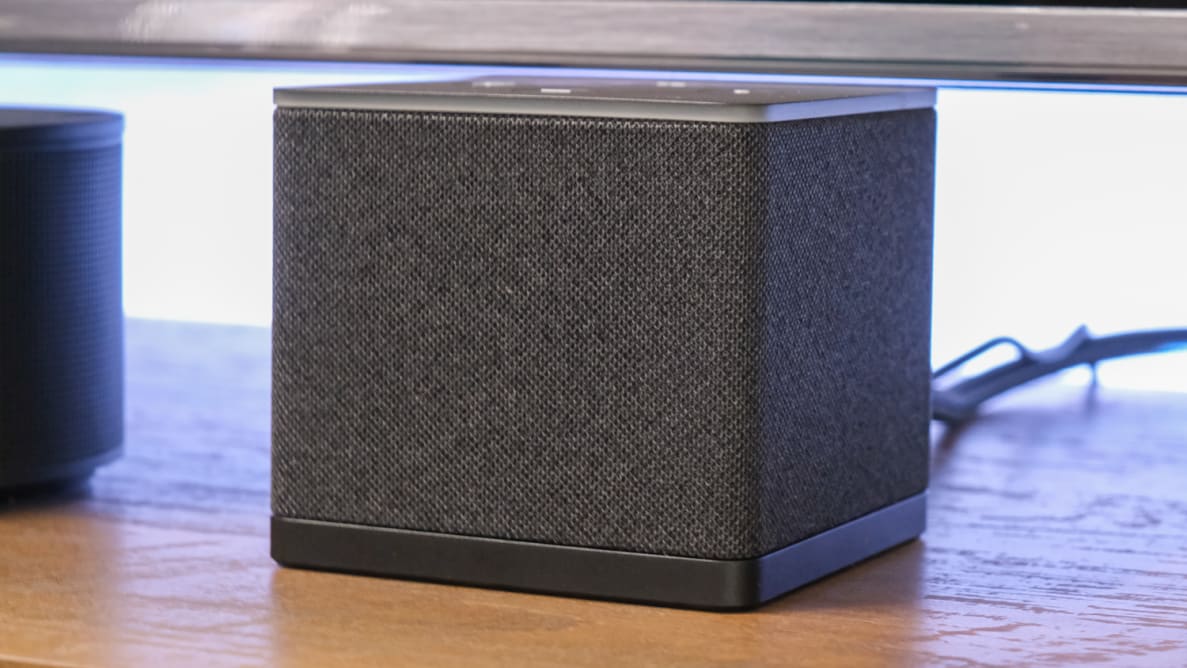
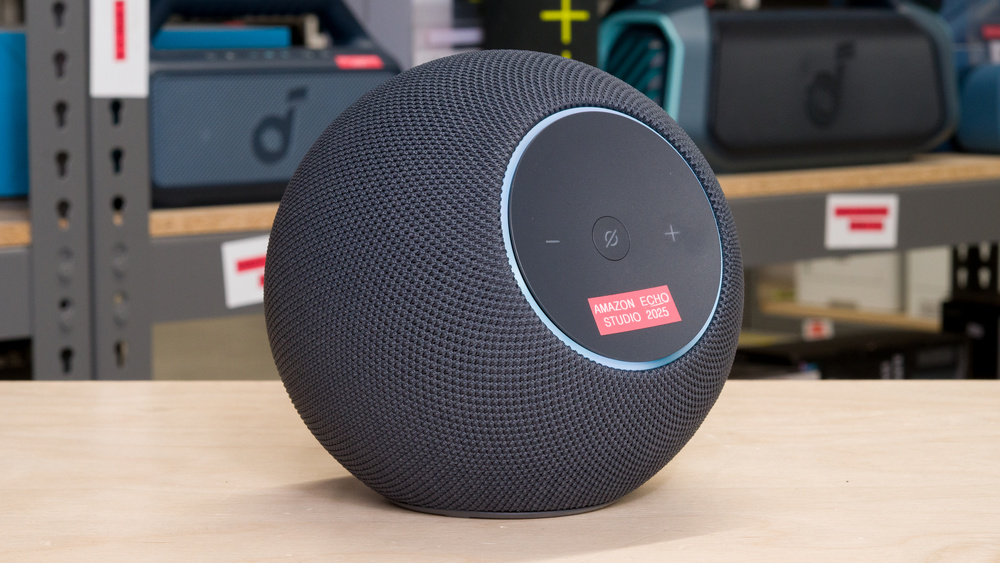

- Stable Wi-Fi network (all devices on same network)
- Amazon account & latest Alexa app on your phone
- TV with HDMI port (ARC preferred)
Step-by-Step Setup Guide
- Set up each Echo speaker individually
Plug in each Echo → Open the Alexa app → Add Device → Follow prompts to connect to Wi-Fi. Do this for all speakers (and Echo Sub if using). - Connect your Fire TV device
Plug your Fire TV into your TV's HDMI port (use ARC-labeled port if possible). Complete initial setup if new. - Enable HDMI ARC (if using TV audio routing)
On your TV settings: Enable HDMI-ARC and HDMI-CEC (Anynet+, Simplink, etc.). Set TV audio output to PCM or Stereo if needed. - Create the Home Theater on Fire TV
On your Fire TV remote: Go to Settings → Display & Sounds → Alexa Home Theater → Create Alexa Home Theater. - Select your speakers
Choose 2–5 identical Echo speakers (and optional Echo Sub). Follow on-screen prompts to confirm placement (e.g., front left/right, surrounds). - Calibrate the system
Fire TV plays test tones from each speaker → It auto-detects positions and tunes spatial audio. This takes 1–3 minutes. - Done!
Your Alexa Home Theater is ready. Test with movies, music, or say “Alexa, play [content] on Fire TV”.
Pro Tip: For best Dolby Atmos & spatial audio, use 2–5 Echo Studio (2025 release) speakers + Echo Sub. Place front speakers near TV, rears behind seating area.
Troubleshooting Tips
- Ensure all devices are on the same Wi-Fi network and Amazon account.
- Update Fire TV and Echo devices to latest software.
- If no sound: Check TV audio output settings and HDMI ARC/CEC is enabled.
- Restart devices if setup fails — then try creating the home theater again.